grandMA3 Nodes
To adjust the settings in the grandMA3 Nodes, it may be convenient to control them from a connected console or a onPC station.
For more information, read the Session topic in the Networking section.
 | Hint: |
| If you want to use Art-Net or sACN using grandMA3 nodes, make sure to switch the console to Mode2. For information on how to configure the xPort Nodes in Mode2 see Configure xPort Nodes in the Console. |
Change Name and Set IP Address
Section titled “Change Name and Set IP Address”To change the name and to set the IP address of a grandMA3 Node, open the Network Interface Menu:
- Press Menu.
- Opens the menu select pop-up. - Tap Network.
- Opens the Network menu.
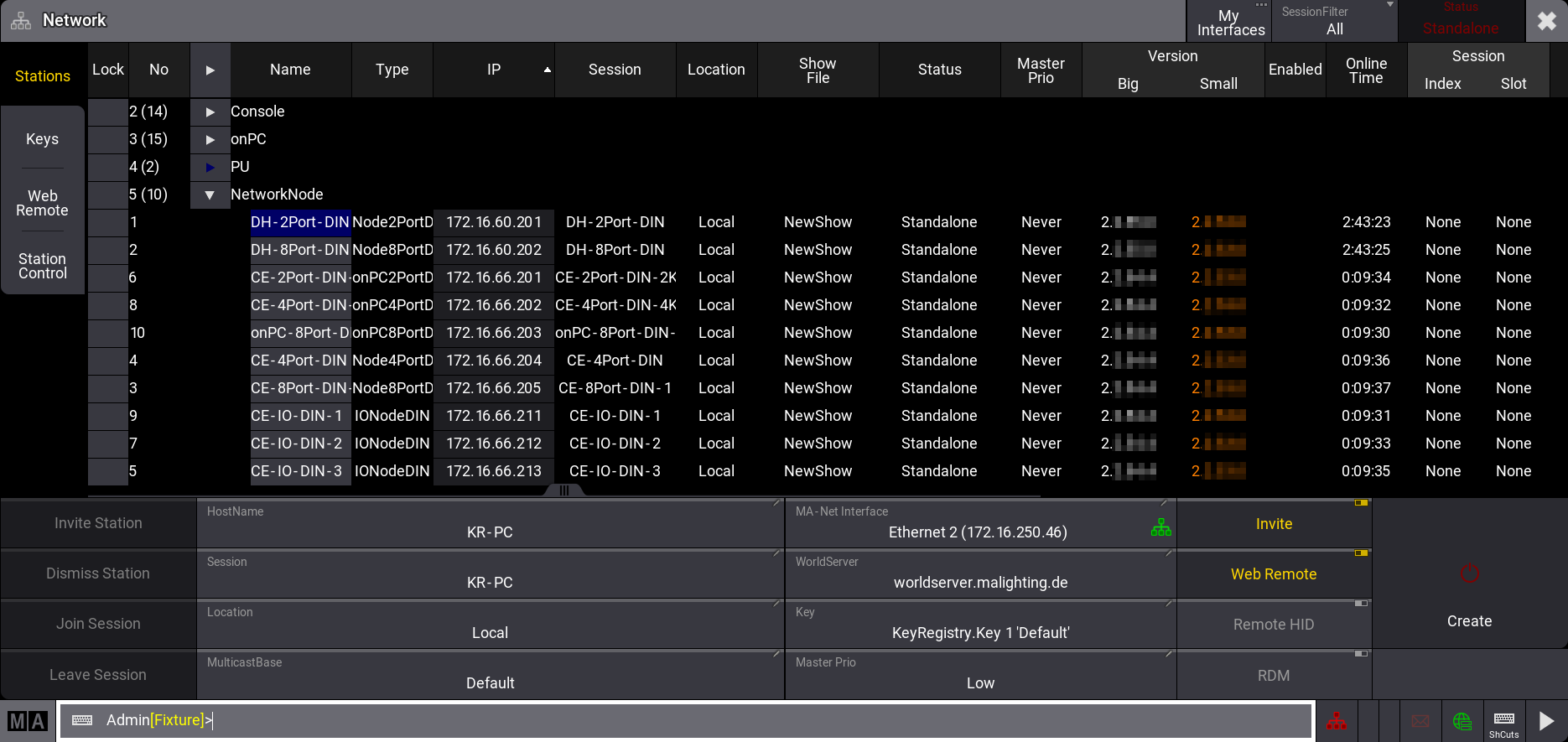
Network menu