MIDI Remotes
MIDI stands for Musical Instrument Digital Interface. MIDI is used as a worldwide standard protocol that allows communication between different digital devices, for example:
- a MIDI keyboard and a grandMA3 command wing.
- a MIDI pad controller and a grandMA3 console.
- a grandMA3 console and an audio mixing console.
The MIDI Remotes tab is used to define actions for incoming MIDI notes or MIDI Control Changes (CC).
 | Restriction: |
| MIDI does not transmit an audio signal. |
To learn more about the hardware part of the input, read the Connect MIDI topic.
This topic is divided into several chapters:
- Output Configuration Window
- In & Out Menu
- Examples
- Control an External MIDI Device
- Receive MIDI
- Send MIDI
- MIDI Connection via USB
Output Configuration Window
Section titled “Output Configuration Window”Adjusting the MIDI Offset will shift the MIDI Index.
The MIDI Offset can be adjusted in the Output Configuration window as follows:
- To set the MIDI Offset, open the Output Configuration menu.
- Open the product in the Output Configuration category tree using the arrows (
 ).
).
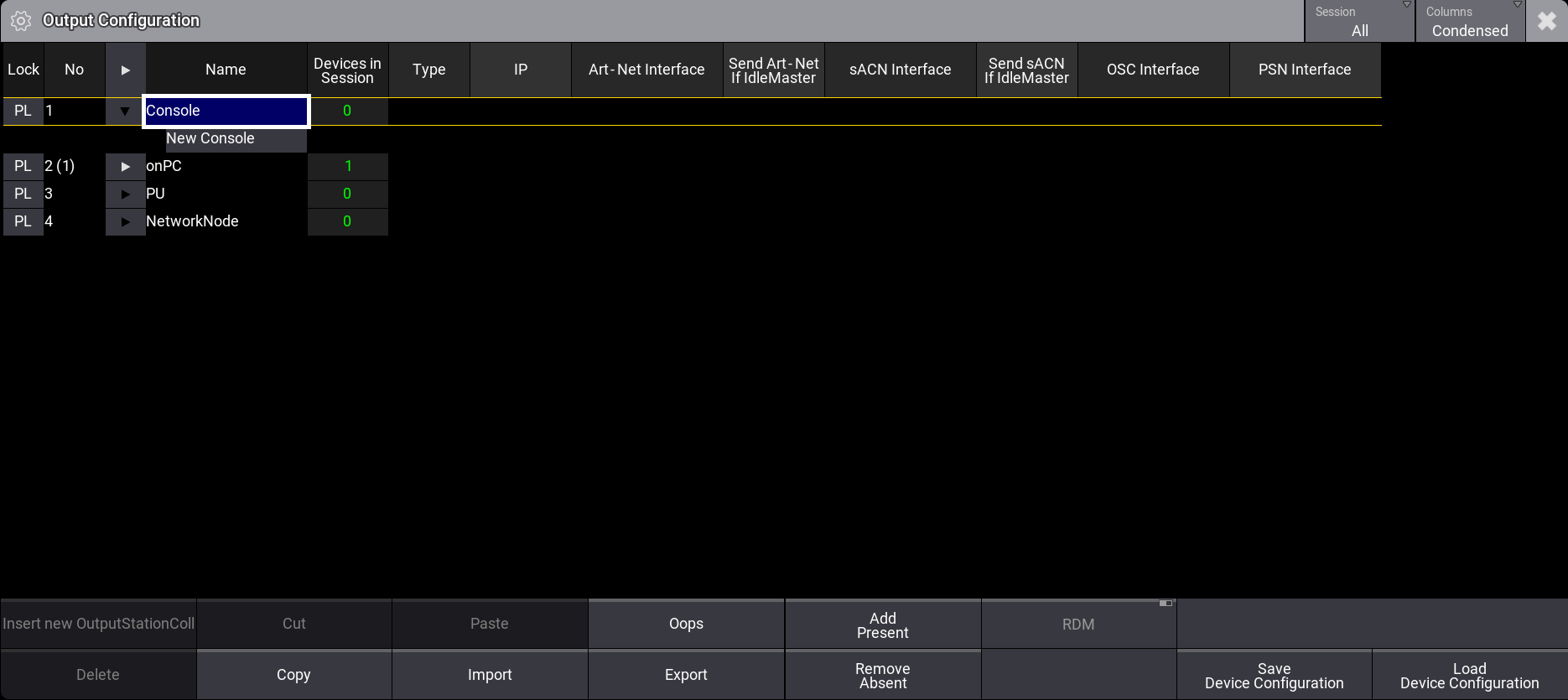
Output Configuration menu
- To set the MIDI Offset to a new value, for example, -2, right-click or tap and hold MIDI Offset in the product row. A pop-up opens:
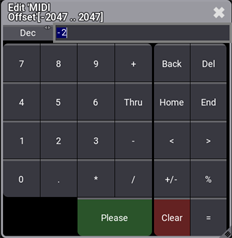
MIDI Offset pop-up
- The MIDI Offset is adjusted. For example, MIDI Index 50 is changed to 48, after MIDI Offset is set to -2, as shown below:

MIDI Offset changes the MIDI Index (note) shown in the System Monitor.
 | Hint: |
| If data input is disabled, a text message in the System Monitor next to the actual MIDI Note will inform the user. |