Interfaces and IP
The Network Interface menu lists the available interfaces, and in the grandMA3 hardware, it can be used to change the settings.
Open the Network Interface Menu
Section titled “Open the Network Interface Menu”- Press Menu.
- Opens the menu select pop-up. - Tap Network.
- Opens the Network menu. - Tap My Interfaces.
- Opens the Network Interfaces pop-up:
Click this button to open the pop-up.  Paste to Command Line
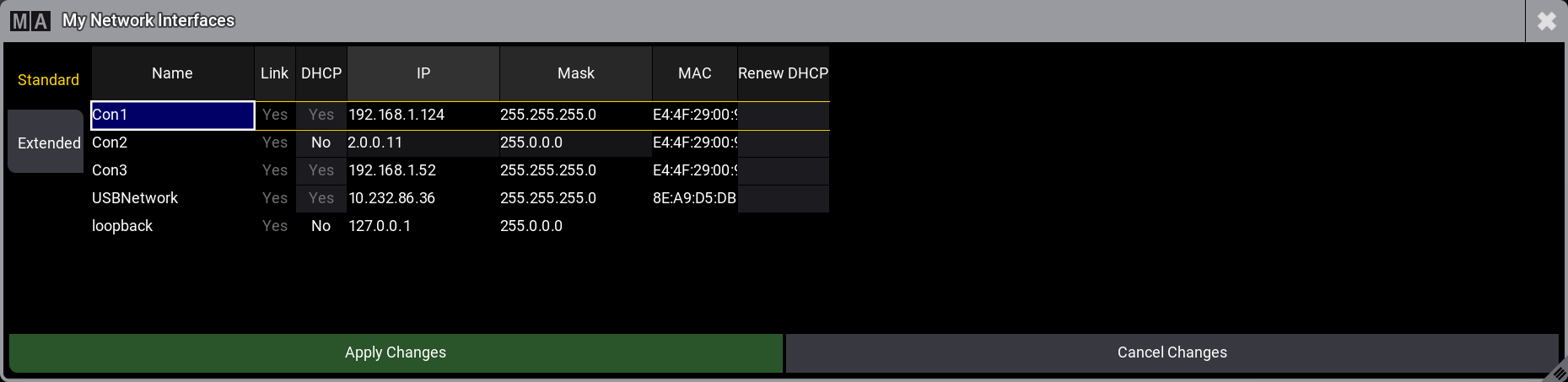
See the Standard tab in Network Interfaces