Notes in Pool Objects
The following example shows how to add a note to a macro. For more information about macros, refer to the Macros topic.
- Requirement: The grandMA3 demo show is loaded.
For an overview of the example below, have a look at this video:
To add a note to a macro, follow these steps:
- Open the Add Window dialog, tap Data Pools, and then tap Macros. The Macro Pool window opens.
- Press Edit and then tap the first macro pool object called Select EncoderBar. The macro editor opens.
- Enable Settings in the title bar.
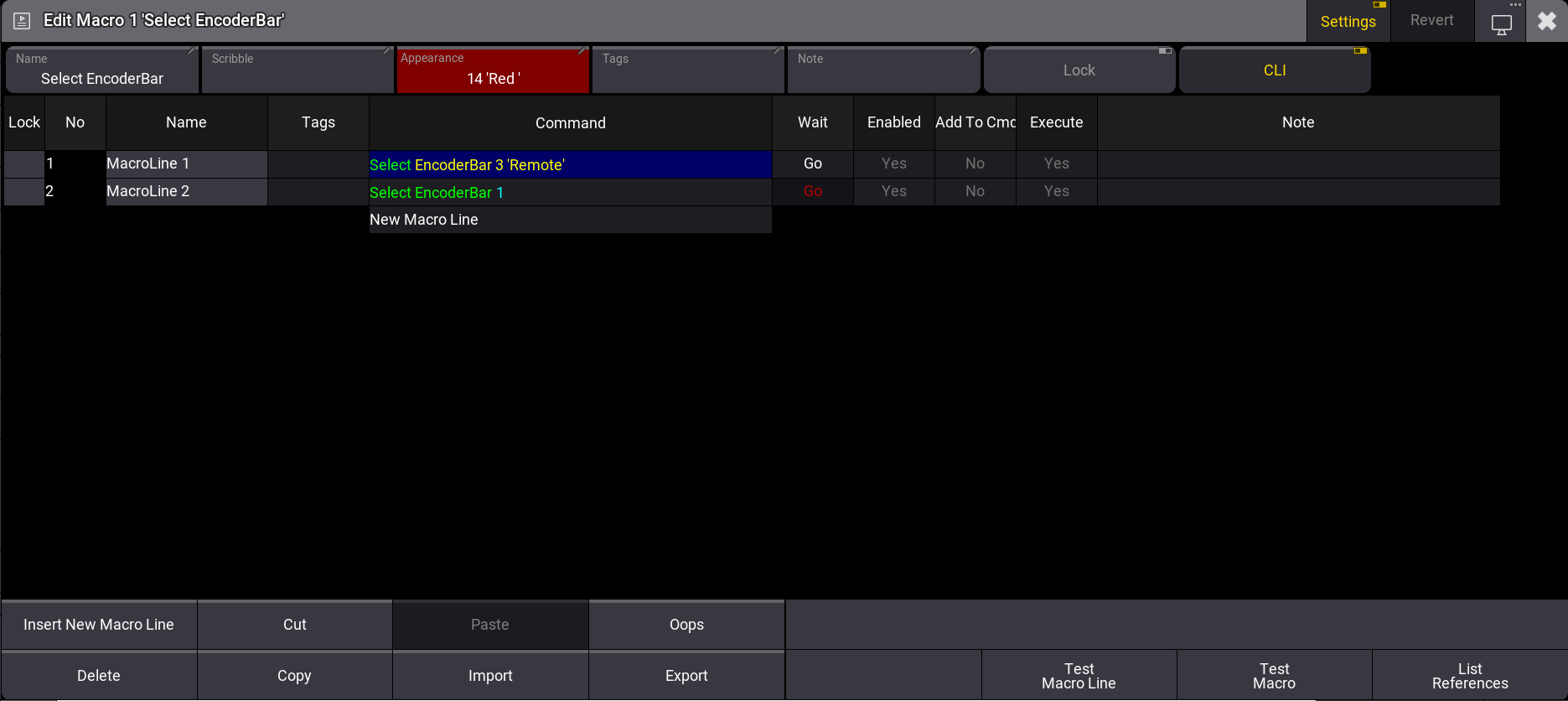
Macro Editor.