Navigate in the Help
Multiple elements in the help window help you navigate the manual.
Buttons in the Title Bar
Section titled “Buttons in the Title Bar”To increase or decrease the size of the content displayed within the help window:
- Tap
 (plus) or
  (minus)
 - Tap and hold Zoom Factor and swipe left or right
- Tap Zoom Factor and choose a percentage in the drop-down list
Tap  (left arrow) to reverse through the history of previously viewed help topics.
Tap  (right arrow) to advance through the history of previously viewed help topics.
Scrolling in the Help
Section titled “Scrolling in the Help”- Two-finger tap and swipe to scroll through a help topic.
- Use the screen encoder to scroll through a help topic. For more information on using the screen encoder see User Settings.
Topics Tab
Section titled “Topics Tab”The topics tab in the help window displays the available topics in a tree structure. Single topics are indicated by  next to them. Multiple topics of the same category are sorted within a folder (
 ) and are called subtopics.
Tap > to the left of any topic to show or hide the related subtopics. Tap the name of any topic to display its content in the main area of the window. Subtopics are also displayed in a bullet list at the end of the topic.
If the help window is too small to display both the main area and the topics and search tabs, a burger menu ( ) appears in the upper left corner. It contains the Topics and Search tabs.
In addition to the grandMA3 User Manual, the root topics in the tree structure contain the Quick Manuals for the different products within the grandMA3 family. These main sections include:
- grandMA3 User Manual
- grandMA3 Quick Start Guide
- grandMA3 Quick Manual consoles
- grandMA3 Quick Manual processing
- grandMA3 Quick Manual Nodes
- grandMA3 Quick Manual Nodes DIN-Rail
- grandMA3 Quick Manual onPC command wing XT
- grandMA3 Quick Manual onPC command wing
- grandMA3 Quick Manual onPC fader wing
- grandMA3 Quick Manual viz-key
- grandMA3 Quick Manual onPC Rack-Unit
- grandMA3 Quick Manual I/O Nodes
- Release Notes
 | Important: |
| The complete grandMA3 documentation consists of the grandMA3 User Manual and the respective grandMA3 Quick Manual with technical specifications, safety instructions, and declaration of conformity. |
Search Tab
Section titled “Search Tab”To find topics containing a specific search term, use the search function:
- Open the search tab in the help window.
- Tap the search field.
- Type a search term in the search field.
To search for a specific product or search term, the brand name or the series name (for example grandMA3) is not necessary. - Press Please. The search results are displayed.
To open a virtual keyboard in the software, tap the keyboard icon on the left of the search field.
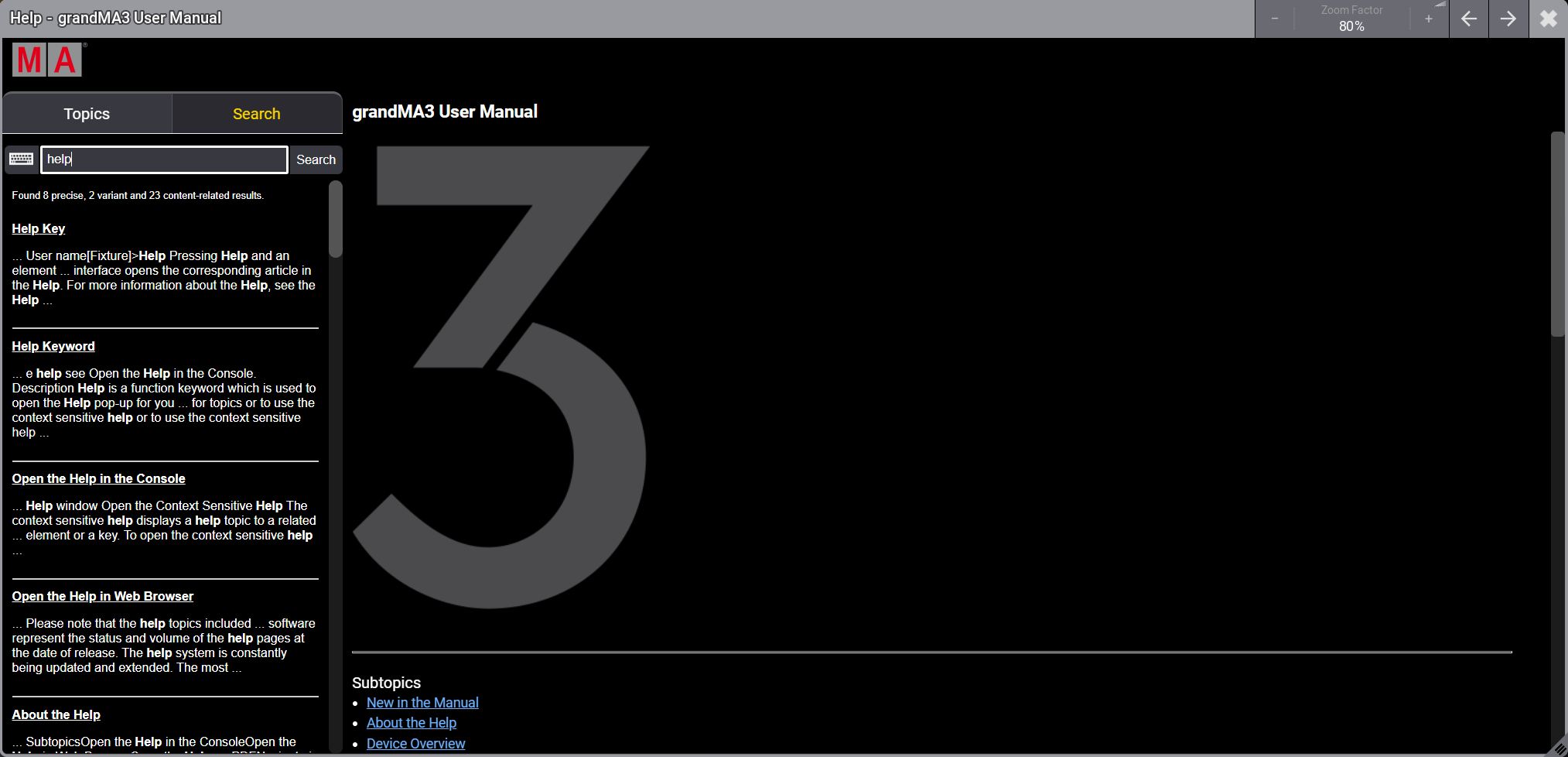
Help window - Search tab
Listed Subtopics
Section titled “Listed Subtopics”A list of subtopics that are related to the current topic is displayed at the bottom of the help page.
To open a related topic, tap it in the list.
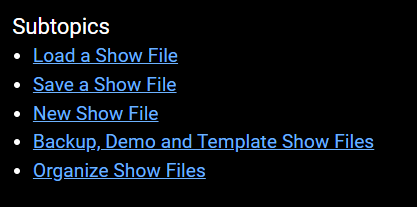
Listed subtopics
Breadcrumbs
Section titled “Breadcrumbs”Breadcrumbs are navigation elements that provide links to the related sections of the current topic and subtopics. Breadcrumbs are located at the top of each topic.
To go back to a more general topic in the hierarchy, tap the corresponding link in the breadcrumbs.

Breadcrumbs to navigate in the help