Numeric Keys | Arrows
Pressing a numeric key enters the number into the command line.
 | User name[Fixture]>Fixture 1+7+8 |
Move Cursor
Section titled “Move Cursor”Pressing MA + 8 moves the cursor one row upward.
Pressing MA + 2 moves the cursor one row downward.
Pressing MA + 4 moves the cursor one column to the left.
Pressing MA + 6 moves the cursor one column to the right.
The arrow keys have the same functions on a keyboard.
Location
Section titled “Location”The numeric keys are located in the command section.
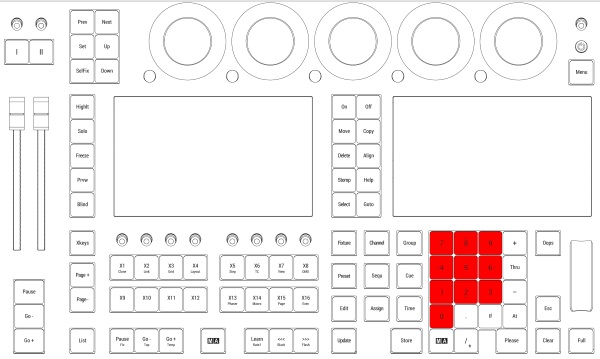
Location on grandMA3 full-size and grandMA3 light consoles
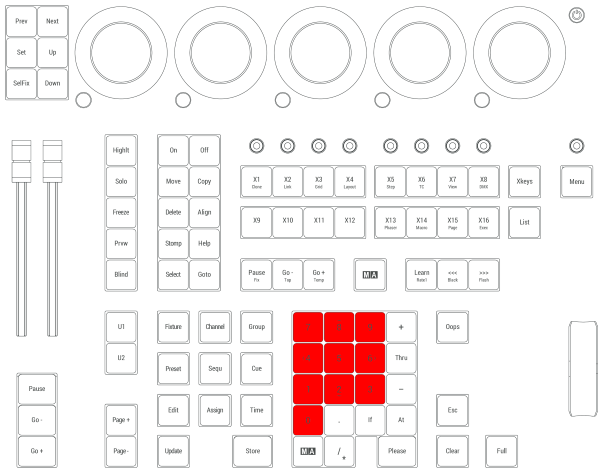
Location on grandMA3 compact consoles and grandMA3 onPC command wing