Info Window
The Info window is a helpful tool to show the operator references, dependencies, and notes for objects in the show file.
To learn more about displaying dependencies and references in the Command Line History, see the ListReference Keyword.
To open the Info window, tap More and then tap Info in the Add window dialog.
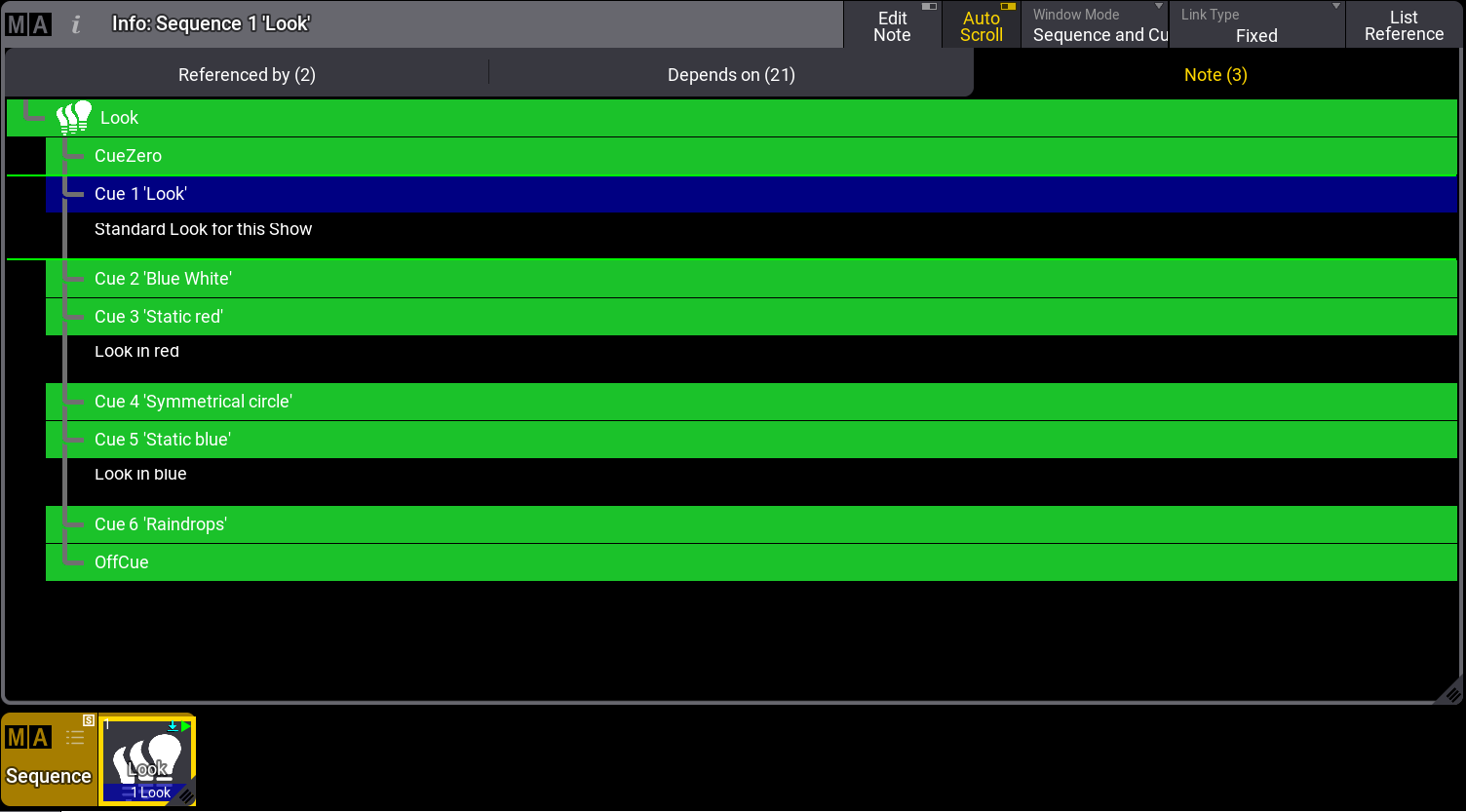
Info window
The Info window is seperated into three tabs: Referenced by (x), Depends on (x), and Note (x).
Referenced by (x) tab displays the following information:
- (x), displays the number of references for this object.
- Type, displays the targeted object reference type.
- No, displays the targeted object reference number.
- Name, displays the targeted object reference name.
Depends on (x)tab displays the following information:
- Type, displays the type of the targeted object dependencies.
- No, displays the number of the targeted object dependencies.
- Name, displays the name of the targeted object dependencies.
The Note (x)tab displays the notes of an object. Depending on the size of the Info window, the notes are resized to fit the window.
For more information about Notes, see Notes topic.
List Reference
Section titled “List Reference”- To list all references and/or dependencies in your show file, type ListReference into the command line and press Please. The Info window pop-up opens:
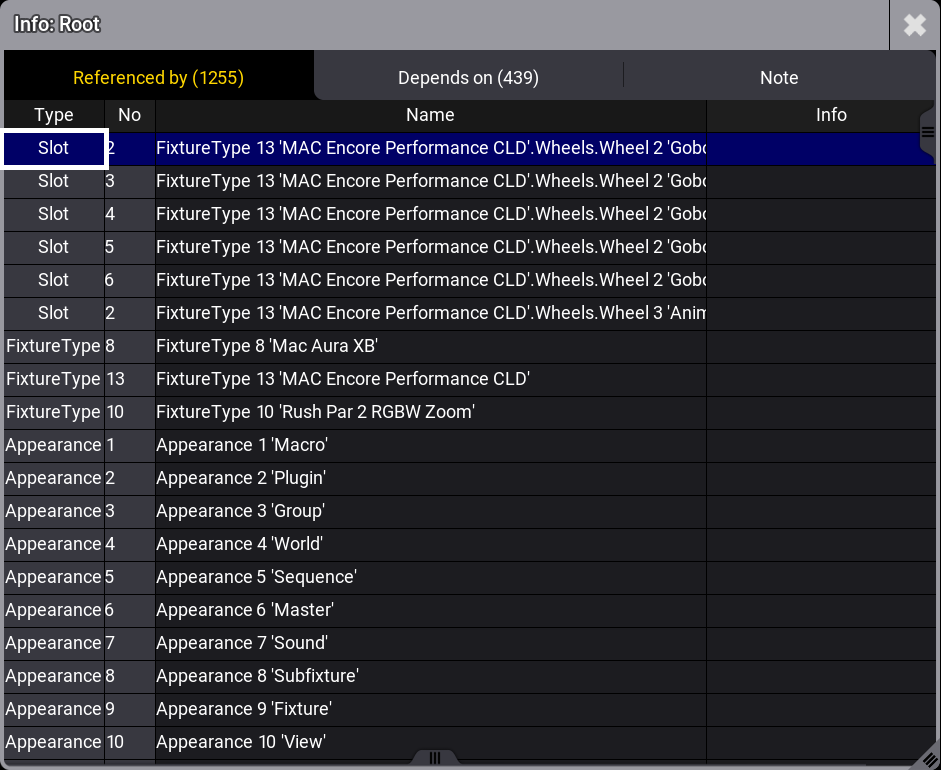
Info window pop-up - All References / Dependencies of the show file are shown
To list the references of an object, for example, a sequence pool object or macros:
Requirements:
- grandMA3 demo show file is loaded.
- Open Sequence pool and Info window.
- Tap List Reference in the title bar of the Info window or type ListReference in the command line.
- Tap Look in the Sequence pool. The related information about the selected sequence pool object is shown in the Info window.
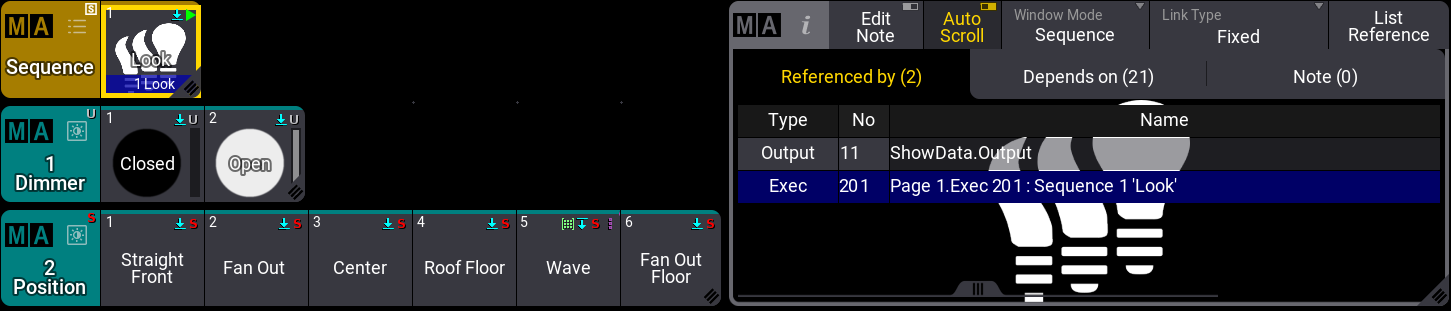
Info window displaying information of Sequence 1.