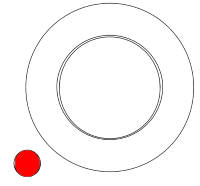
Dual Encoders
The five dual encoders are used to adjust the different attributes of the fixtures. There are four different actions on the encoders:
- Turn the inner ring to adjust the attribute “Coarse”.
- Turn the outer ring to adjust the attribute “Fine”.
- Press the inner ring to open a calculator to type in the value.
- Press and turn the inner ring to adjust the attribute “Coarse” with a higher speed.
- Press the dual encoder key to open a calculator to type in the value. The dual encoder key replaces the press function of the outer ring.
 | Hint: |
| For more information on the Readout and Resolution of the encoders, see Readout Keyword and Encoder Resolution topics. |
These encoders are placed above the command section.
You can define a customized encoder bar in the grandMA3 software. For more information, see Encoder Bar Pool.
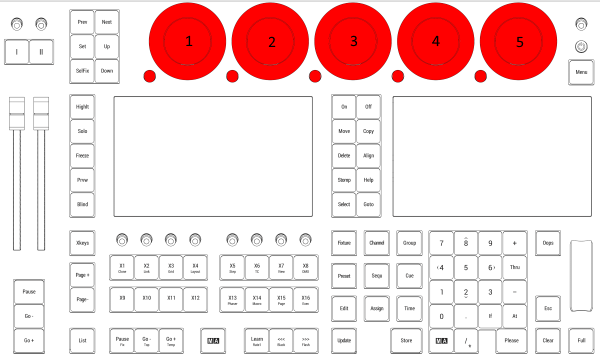
Location on grandMA3 full-size and grandMA3 light consoles
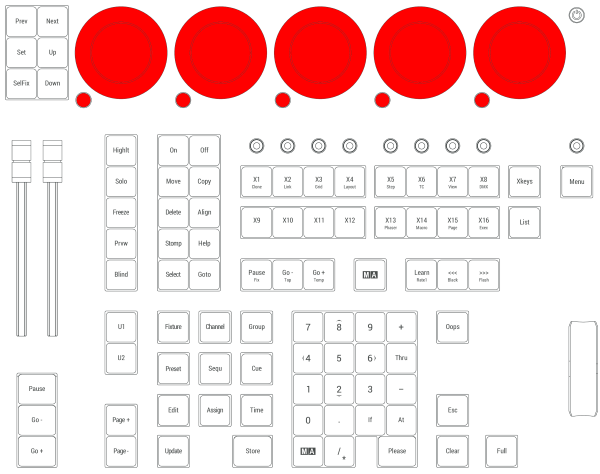
Location on grandMA3 compact consoles and grandMA3 onPC command wing and command wing XT
Each of the dual encoders is numbered 1 to 5 from left to right. There are three elements in each encoder:
The inner ring
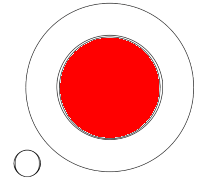
The outer ring
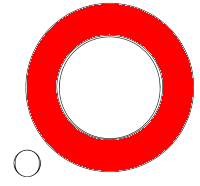
The dual encoder key