Pressing Channel enters the Channel keyword in the command line.
 | User name[Fixture]>Channel |
For more information, see the Channel keyword.
Universal
Section titled “Universal”Pressing Channel Channel enters the Universal keyword in the command line.
| User name[Fixture]>Universal |
For more information, see the Universal keyword.
ID Types
Section titled “ID Types”Pressing Channel repeatedly switches through Channel, Universal, and ID types in use. ID types where no patched fixtures are assigned are not showing in the command line.
For more information, see the Add Fixtures to the Show.
Location
Section titled “Location”Channel is located in the command section.
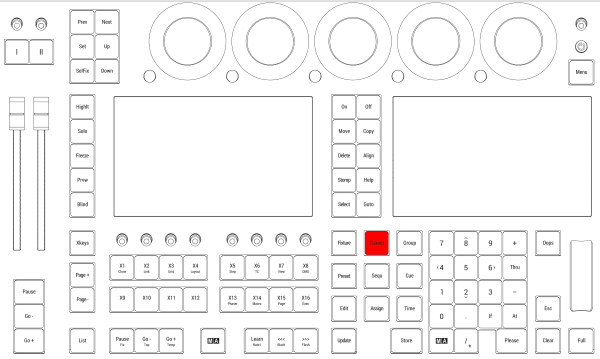
Location on grandMA3 full-size and grandMA3 light consoles
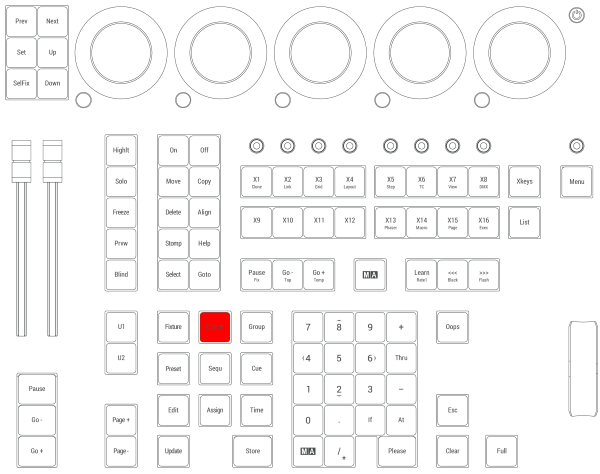
Location on grandMA3 compact consoles and grandMA3 onPC command wing