Master Controls
The menu Master Controls displays all selected and grand masters.
To open Master Controls, tap  in the control bar on the left of screens 1 to 7 or press F4 on a keyboard.
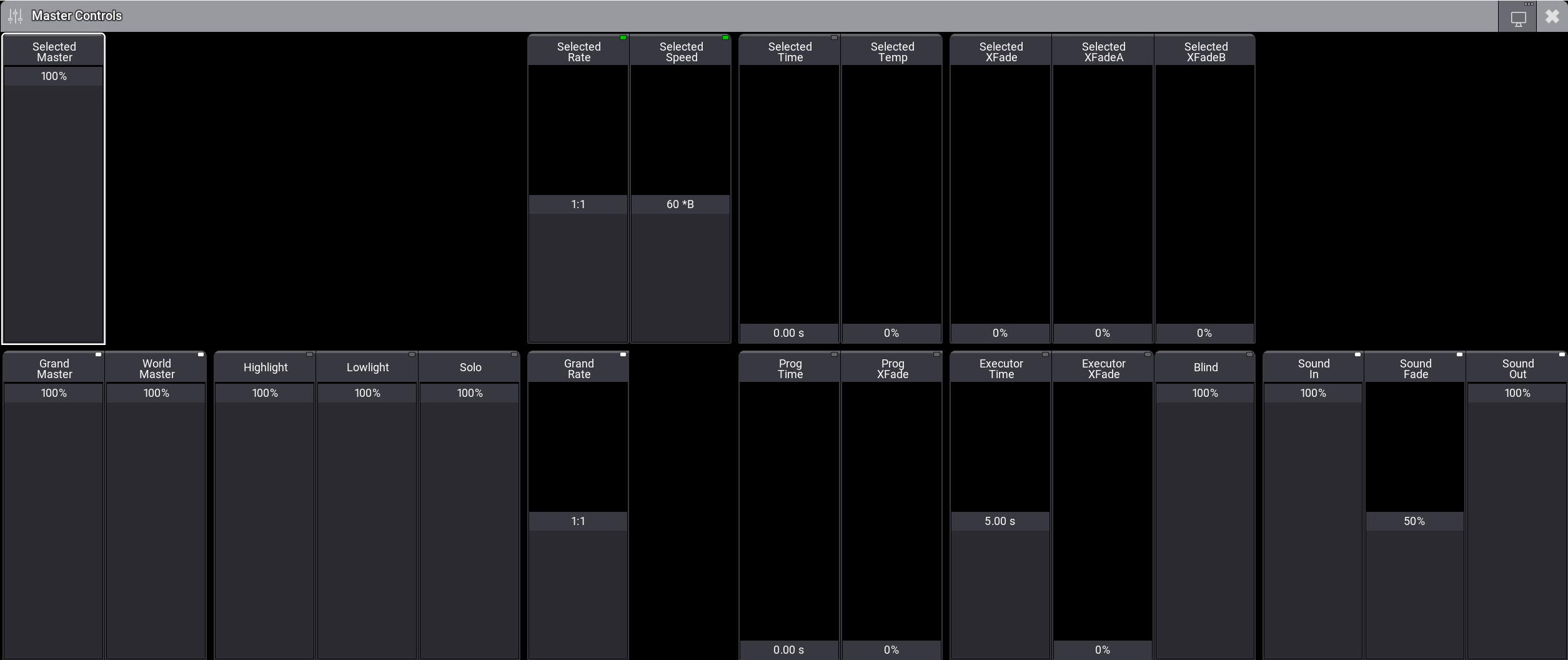
Master Controls
- Upper section is used in the selected sequence.
- Lower section is used for global settings.
Adjust the value of the on-screen faders depending on their type:
-
On-screen faders with indicators in the right corner of the title bar:
- To change modes, see Masters.
- To adjust values, tap and slide upward or downward.
-
On-screen faders without indicators:
- To adjust values, tap and slide upward or downward.

Hint: You can enable or disable the on-screen faders Highlight, Lowlight, Solo, and Blind using Highlt, MA + Highlt, Solo, and Blind on the console.